Selecting Origami Scaffold as Region of a Biological Vector Sequence
The main use-case of the scaffoldselector is to find which sequence region of a biological vector (like a plasmid) is most suitable to use as the scaffold sequence for a particular DNA origami design.
The program is run using the following command:
python3 selector.py origami_name mode2
where both the contact map of the origami origami_name.csv and a file containing a pool of different scaffold sequences are in the _input/ directory of the program. The worked example below elaborates more.
Worked Example: DNA Fourfinger Origami
In this section we demonstrate step-by-step how to select a region of a biological vector as a scaffold sequence for a small 2D “fourfinger” DNA origami. In fact, five different biological vectors will be used to as candidates to supply the scaffold sequence for the origami.
The fourfinger origami has a 704nt linear scaffold sequence, 24 staples and is described in paper M1.3 – a small scaffold for DNA origami (Said et al. 2013).
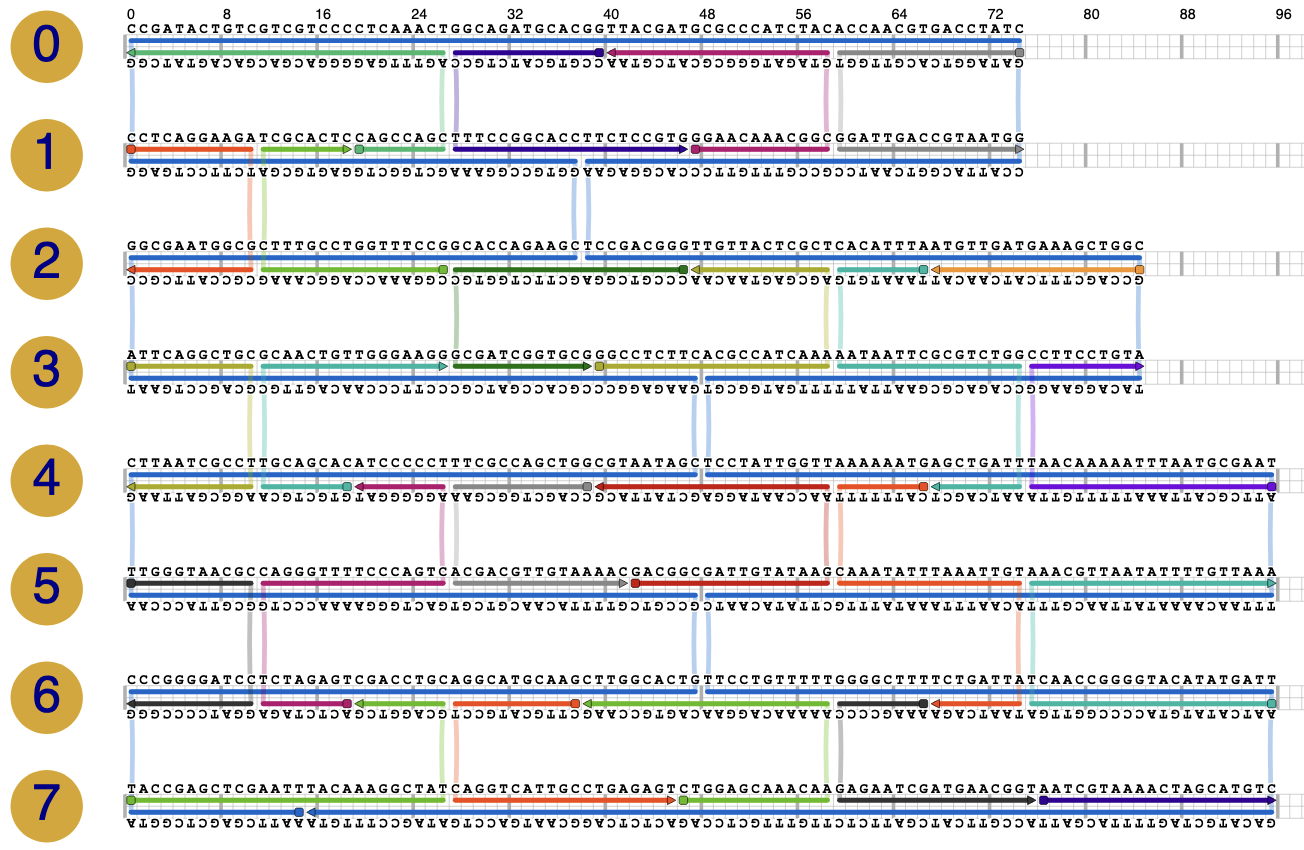
Origami scadnano design file
fourfinger.sc(Right click, Save As)
STEP 1: Convert Origami Design to Contact Map
Place the
fourfinger.scfile into the_assetsdirectory of the contactmap Python module, i.e. into theorigami/contactmap/_assetsdirectory.Tell the contactmap Python module to convert the scadnano file to an origami contact map:
cd origami
source venv/bin/activate
cd contactmap
python3 scadnano2contact.py fourfinger
Move the file from
origami/contactmap/_assets/fourfinger.csvto the scaffold selector input directory, i.e. toorigami/scaffoldselector/_input/fourfinger.csv.
Contact map file
fourfinger.csv(Right click, Save As)
STEP 2: Assemble List of Biological Vector Sequences
Create a CSV file of all the biological vector sequences that you wish to ‘cut out’ origami scaffold sequences from. Here we will specify a CSV file with 5 biological vector sequences:
p7249_NEB_N4040S |
circular |
AATGCTACTACTATTAGTAGAATTGATGCCACCTTTTCAGCTCG… |
p7560_novopro |
circular |
AATGCTACTACTATTAGTAGAATTGATGCCACCTTTTCAGCTCG… |
p8064_novopro |
circular |
AATGCTACTACTATTAGTAGAATTGATGCCACCTTTTCAGCTCG… |
pUC19_NEB |
circular |
TCGCGCGTTTCGGTGATGACGGTGAAAACCTCTGACACATGCAG… |
lambda_NEB |
linear |
GGGCGGCGACCTCGCGGGTTTTCGCTATTTATGAAAATTTTCCG… |
Biological vector file
biological_vectors.csv(Right click, Save As)
STEP 3: Create Scaffold Sequence Pool
We will use the poolgen Python module that we installed earlier to generate a pool of candidate scaffold sequences from the biological vector sequences prepared in the last step.
Move the file of vector sequences to
origami/poolgen/_assets/biological_vectors.csv.Generate a pool of 5000 DNA sequences from the biological vectors, each of 704nt length:
cd origami
source venv/bin/activate
cd poolgen
python3 generate.py 5000 biological_vectors.csv 704 fourfinger_scaffolds.csv
Move the scaffold sequence pool file from
origami/poolgen/_assets/fourfinger_scaffolds.csvinto the scaffold selector input directory i.e. toorigami/scaffoldselector/_input/fourfinger_scaffolds.csv.
Scaffold pool file example:
fourfinger_scaffolds.csv(Right click, Save As)
Some notes
The first four vector sequences in
biological_vectors.csvstart the same and differ at the end. However, in the sequence pool generated by poolgen, all sequences are always distinct.Scaffold sequence pools can also be made from DeBruijn sequences or random sequences (as used in our paper): see the poolgen documentation.
STEP 4: Set Up Scaffold Selector
Open the scaffold selector settings file at
origami/scaffoldselector/settings.jsonand set the following variables:"mode 2 scaffold pool file" : "fourfinger_scaffolds.csv", "mode 2 rotate scaffold" : "No", "mode 2 number of samples" : 5000,
Leave the other variables at their default settings.
The setting "mode 2 rotate scaffold" above requires some explanation:
When set to
"No", it means that all origamis scored will have a scaffold sequence randomly selected from the scaffold pool and applied to the scaffold strand in its current position, without any rotation through the DNA origami nanostructure.When set to
"Yes", the scaffold strand of the origami is rotated by a random number of bases, after a scaffold sequence has been randomly selected from the scaffold pool. This is the default option, as the largest possible space of scaffold configurations is available.
In this case we will leave the scaffold strand of the fourfinger DNA origami in its original orientation during sequence selection, and thus set "mode 2 rotate scaffold" : "No".
Note
Some origami shapes cannot have their scaffold strand rotated, and so must have "mode 2 rotate scaffold" : "No".
Example settings file:
settings.json(Right click, Save As)
STEP 5: Run Scaffold Selector
To summarise, we have set up the scaffold selector by:
Placing the origami contact map
fourfinger.csvin theorigami/scaffoldselector/_inputdirectoryPlacing the scaffold sequence pool
fourfinger_scaffolds.csv(5000 scaffolds) also in the_inputdirectoryModifying the
origami/scaffoldselector/settings.jsonfile
Now, we can start scoring all sequences in the scaffold sequence pool:
cd origami
source venv/bin/activate
cd scaffoldselector
python3 selector.py fourfinger mode2
The program first outputs a summary of the sequence selection to be performed:
 ------------------------------------------------------------

 SCAFFOLD SELECTOR
 Multi-objective Scaffold Sequence Selection for DNA Origami

 ------------------------------------------------------------

SCORING
Origami : fourfinger
Mode    : MODE 2 - Score a sample pool of unique scaffold sequences

Loading settings.json...
[Done]
Making output directory...
[Done]
Loading origami contact map...
[Done]
Pre-computing energy models...
[Done]
Verifying origami contact map...
--> Warning: 1 staple sections binding to the scaffold are smaller than 7 nt.
The energy model can only detect binding sites 7 nt and above (with constants.MIN_BINDING_dG = -7.0 kcal/mol at 37C).
Off-target binding sites in Metric 1 and Metric 2 may be slightly under-estimated
[Success]
Calculating origami rotation number...
[Done]
Reading scaffold sequence pool...
[Done]
Building origami pool...
[Done]

Summary:
--> Origami 'fourfinger' has a LINEAR 704 nt scaffold
    Scaffold sequences in the scaffold pool will be used WITHOUT rotation
    because "mode 2 rotate scaffold" is set to "No" in settings.json
--> 500 sequences exist in the scaffold pool '_input/fourfinger_scaffolds.csv'
--> 1 rotations per origami scaffold x 500 sequences in scaffold pool
    = 500 distinct origamis exist in total
--> 5000 origamis have been requested for scoring
--> 500 origamis have been randomly selected for scoring
--> Scoring with metrics [1, 2, 3, 4]

Press Enter to start scoring, or q+Enter to quit...
Press Enter to begin.
Execution time
For this small origami, the scoring can be expected to take 1 hour on a modern machine. For larger origamis, it is advisable to use a computing cluster to reduce runtime. See the Using a Computing Cluster page.
When finished, check the HTML report of results at
scaffoldselector/_results/fourfinger.html.
The HTML report makes all top-scoring origamis available as contact maps, and as FASTA files of scaffold and staple sequences.
STEP 6: View Results
An example HTML results report can be downloaded here: fourfinger.zip (Right click, Save As)
This results report shows that origami ID 3684 is a good choice to implement the fourfinger origami. It’s scaffold sequence comes from a region of the p8064_novopro biological vector sequence.
Origami ID 3684 is ranked as the top-choice pareto candidate by all multi-criteria decision making schemes SAW, KNEE and TOPSIS (see our paper for explanations of these methods). It has the following scores for each metric:
Metric 1 |
Metric 2 |
Metric 3 |
Metric 4 |
|---|---|---|---|
285.75 |
71.36 |
5.99 |
0.00 |
-20.4% |
-57.1% |
-35.9% |
-100.0% |
This means that origami ID 3684 has:
20.4% less staple-scaffold off-target bindings (Metric 1) than the population mean
57.1% less scaffold-scaffold bindings (Metric 2) than the population mean
35.9% less staple-staple bindings (Metric 3) than the population mean
100.0% less intra-staple bindings (Metric 4) than the population mean
where “the population” refers to all 5000 origamis made from scaffolds in the scaffold pool. Thus, all the metric scores of origami ID 3684 are significant relative improvements on the population mean for each metric.
The sequences of origami ID 3684 can be downloaded via the FASTA link in the report. (Or here: fourfinger3684_fasta.txt).
In the “Other Information” –> “Metric Distributions in Objective Space” section of the HTML report, it can be observed that the scoring metrics varied considerably over the 5000 sequence candidates tested (particularly Metric 1 and Metric 2). This highlights that sequence selection was meaningful for this origami.
For interest, we can see that the worst sequence choice to implement the fourfinger origami would be origami ID 4648. It’s scaffold sequence comes from a region of the NEB lambda sequence. It has the following scores for each metric:
Metric 1 |
Metric 2 |
Metric 3 |
Metric 4 |
|---|---|---|---|
1161.69 |
298.69 |
14.36 |
4.94 |
+223.6% |
+79.4% |
+53.6% |
+186.1% |
The sequences for origami ID 4648 have many off-target interactions and would be unadvisable to order for the lab.
(End of example)